RemoteCreators — Community Platform Design
- Initiative
- Internal project
- Audience
- Remote creatives
- Type
- Branding, UI/UX Design,
Custom code - Tools
- Figma
RemoteCreators is an in-house project where everything is created from scratch: idea, design, front-end, back-end, database.
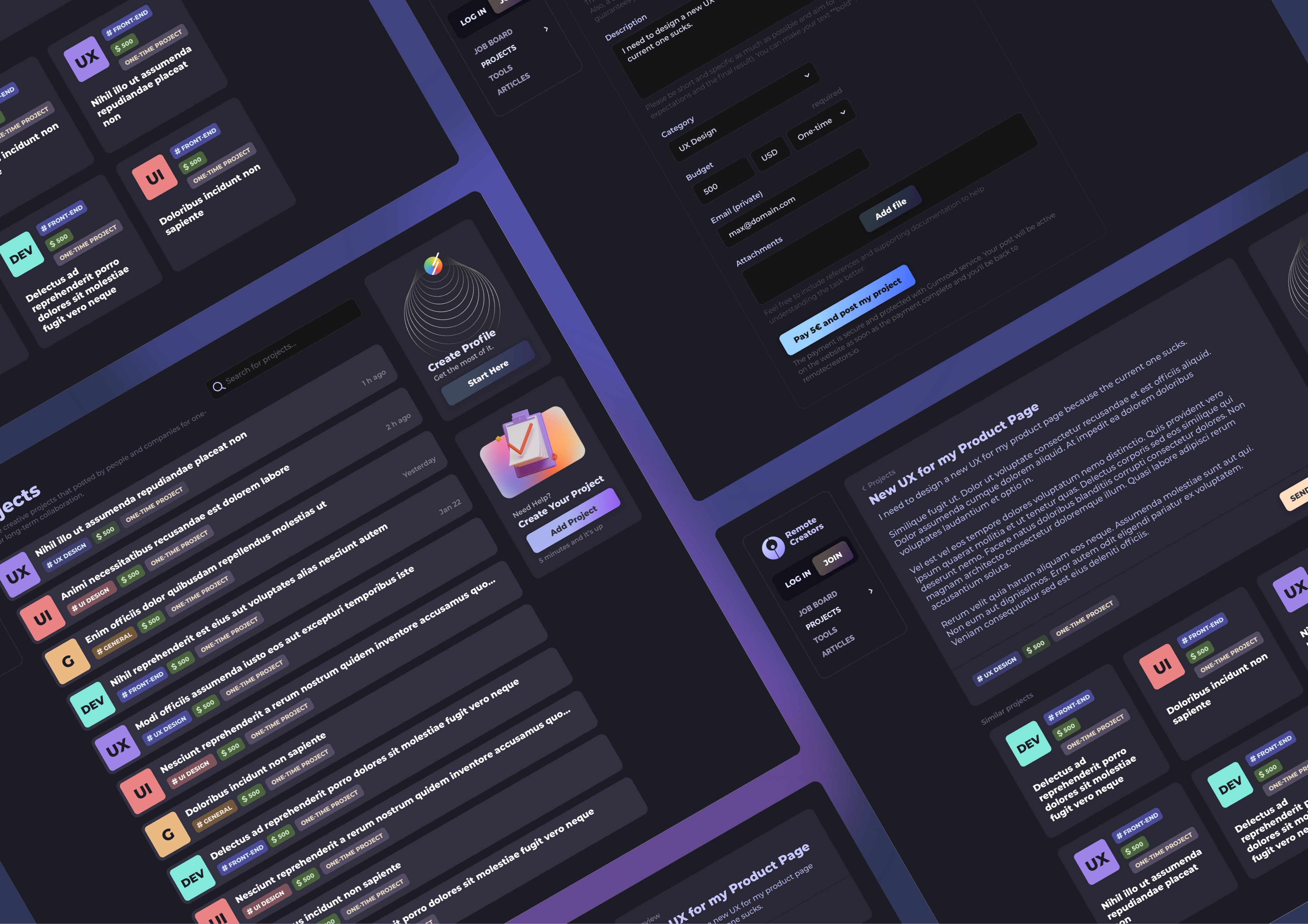
RemoteCreators Interface — UI/UX Design for a seamless, responsive cross-platform experience in one view.
An exciting dark mode screens spread highlighting the versatility of the community platform. It showcases multiple key flows including projects, jobs, project details, and posting a job, giving a clear sense of the interface’s responsiveness and consistency across different functionalities. The layout emphasizes clean typography, intuitive navigation, and card-based components, presenting a cohesive, user-friendly experience users.
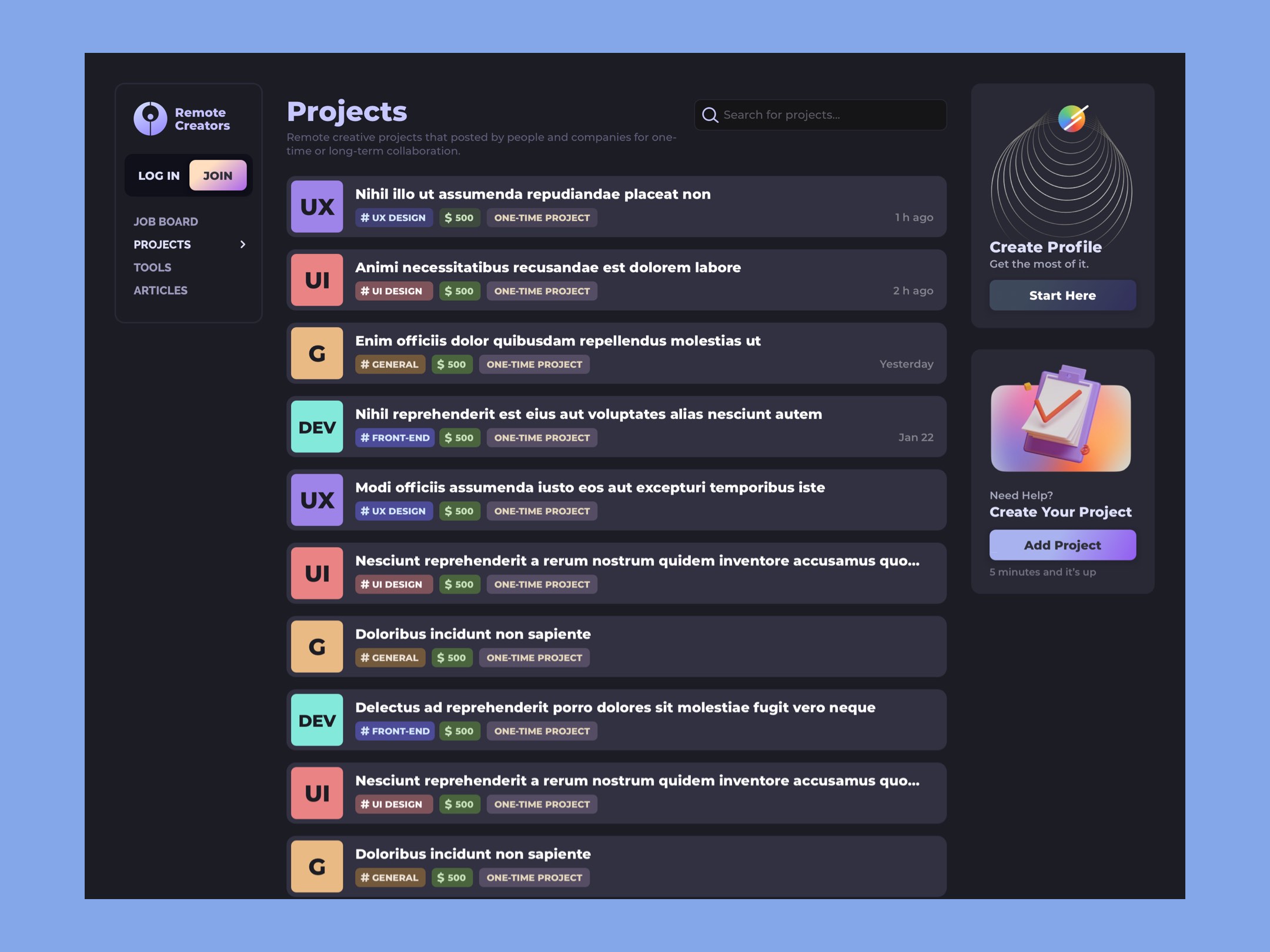
Projects List
The layout focuses on fast project scanning and quick navigation. Hover states and subtle animations guide the user, making it easy to find, open, or manage projects with minimal friction. A sleek dark-mode interface uses deep charcoal backgrounds contrasted by vibrant neon accents (e.g., cyan, magenta, or lime) for highlights, icons, and active states.
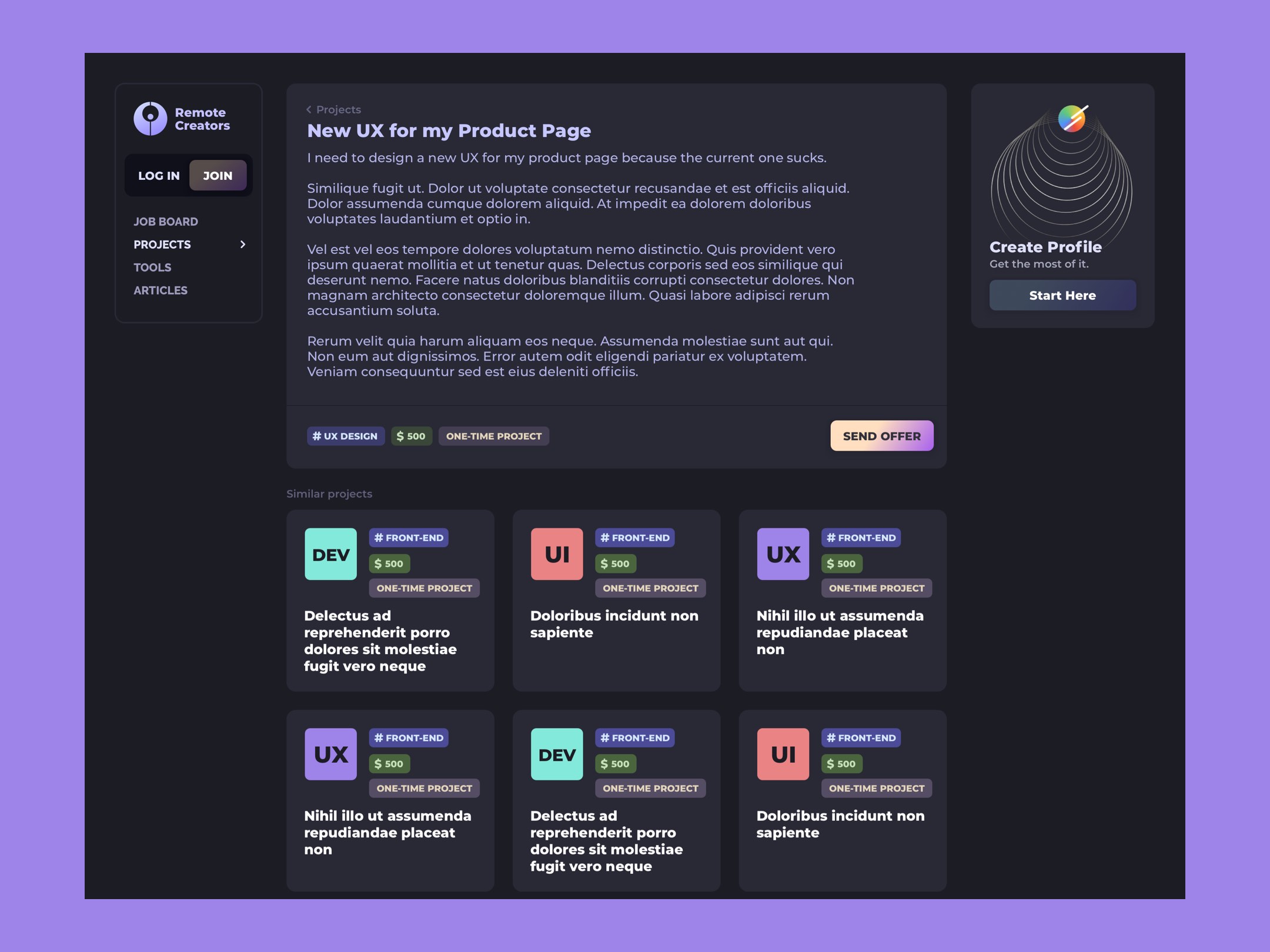
Project Screen — Dark Mode UI
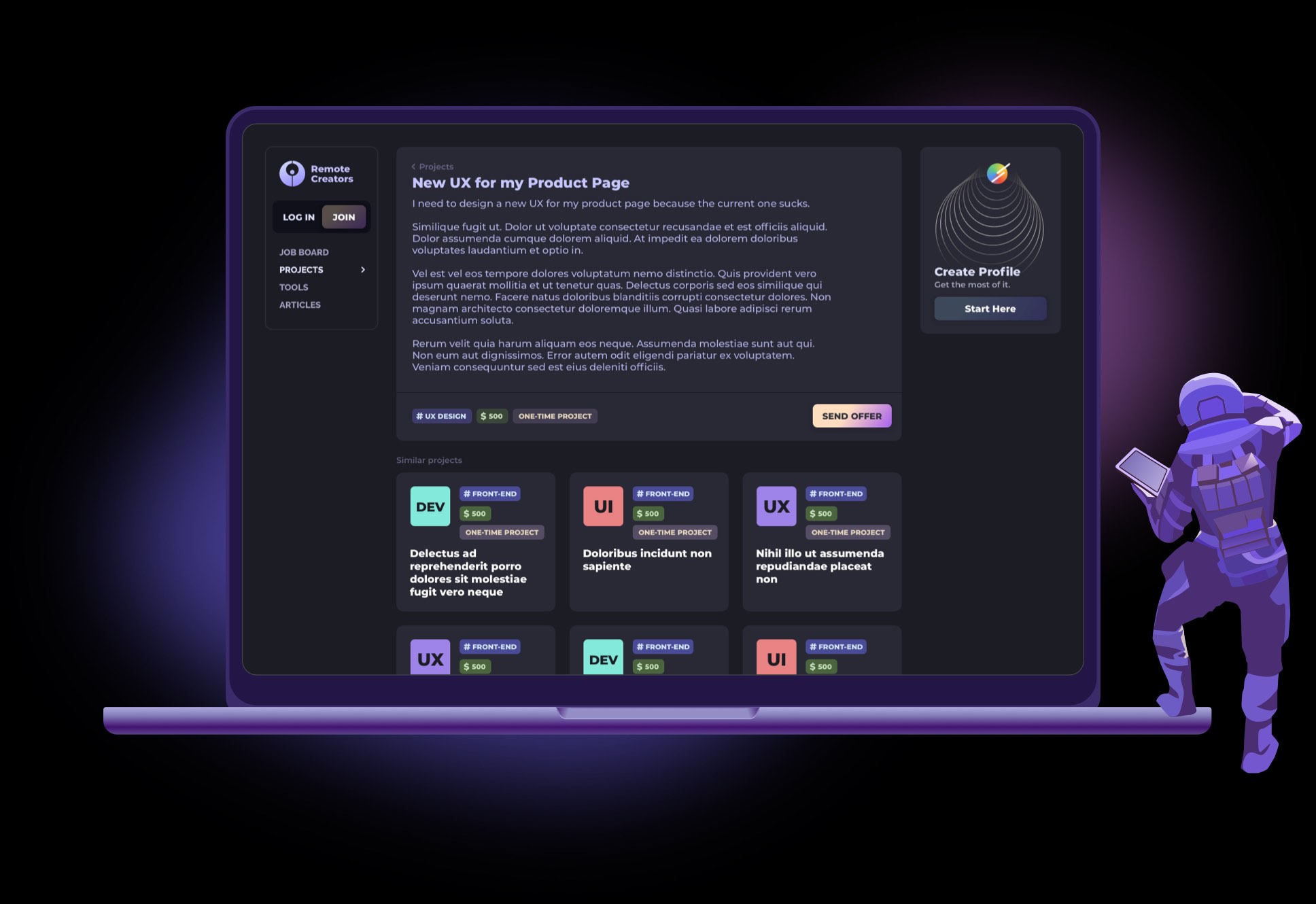
A dark mode screen showcasing a project’s details with clear tags and a prominent CTA to send an offer. The design includes cards with similar projects below, encouraging exploration, and a side widget that allows guests to create a profile, enabling a seamless onboarding experience without interrupting the main workflow. The interface balances clean layouts, intuitive interactions, and responsive design to provide an engaging, user-friendly experience across devices.
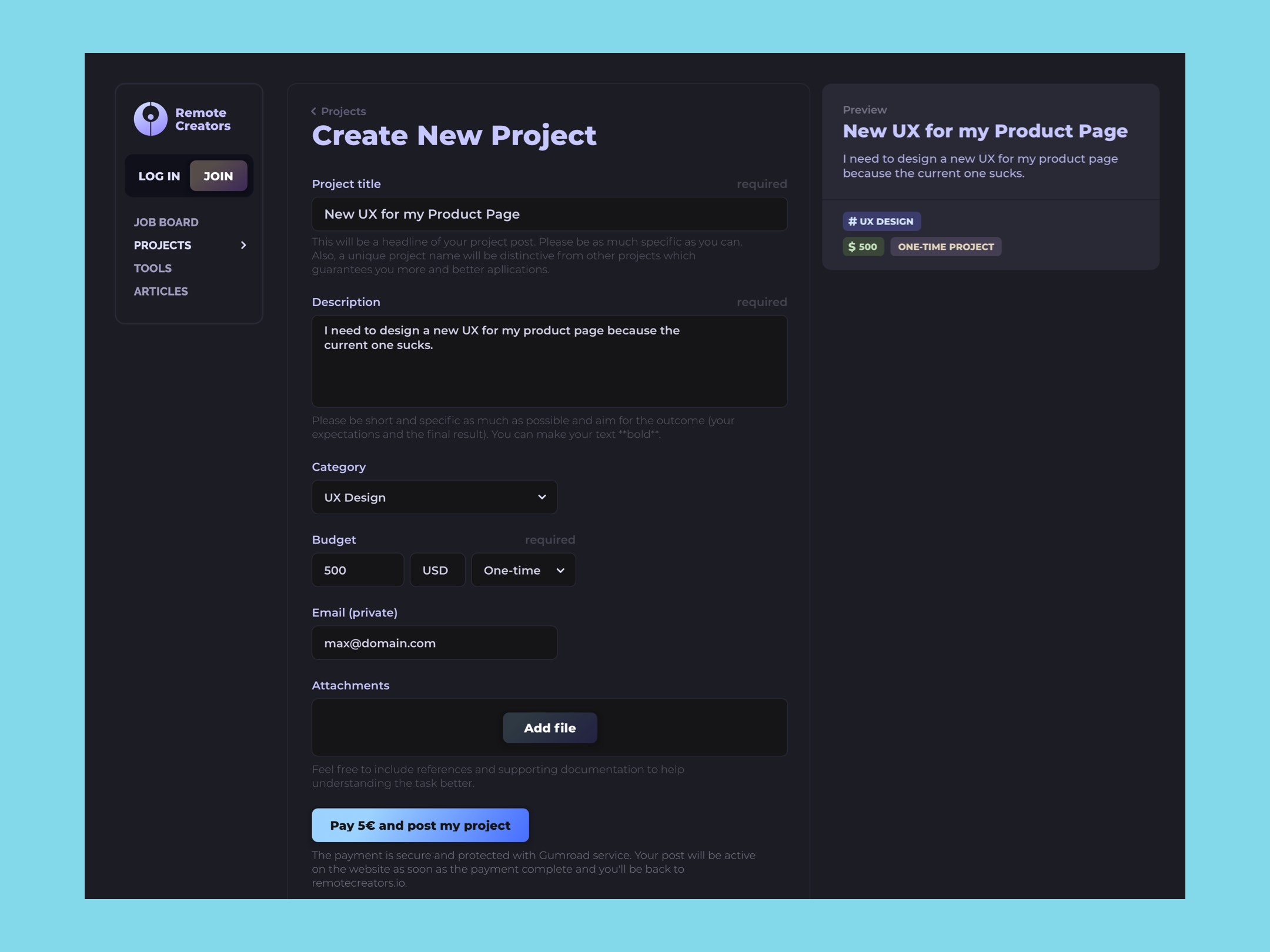
Creating a New Project
The screen centers a clean, focused project-creation form to reduce cognitive load, while a live preview panel on the side updates in real time as the user enters information.
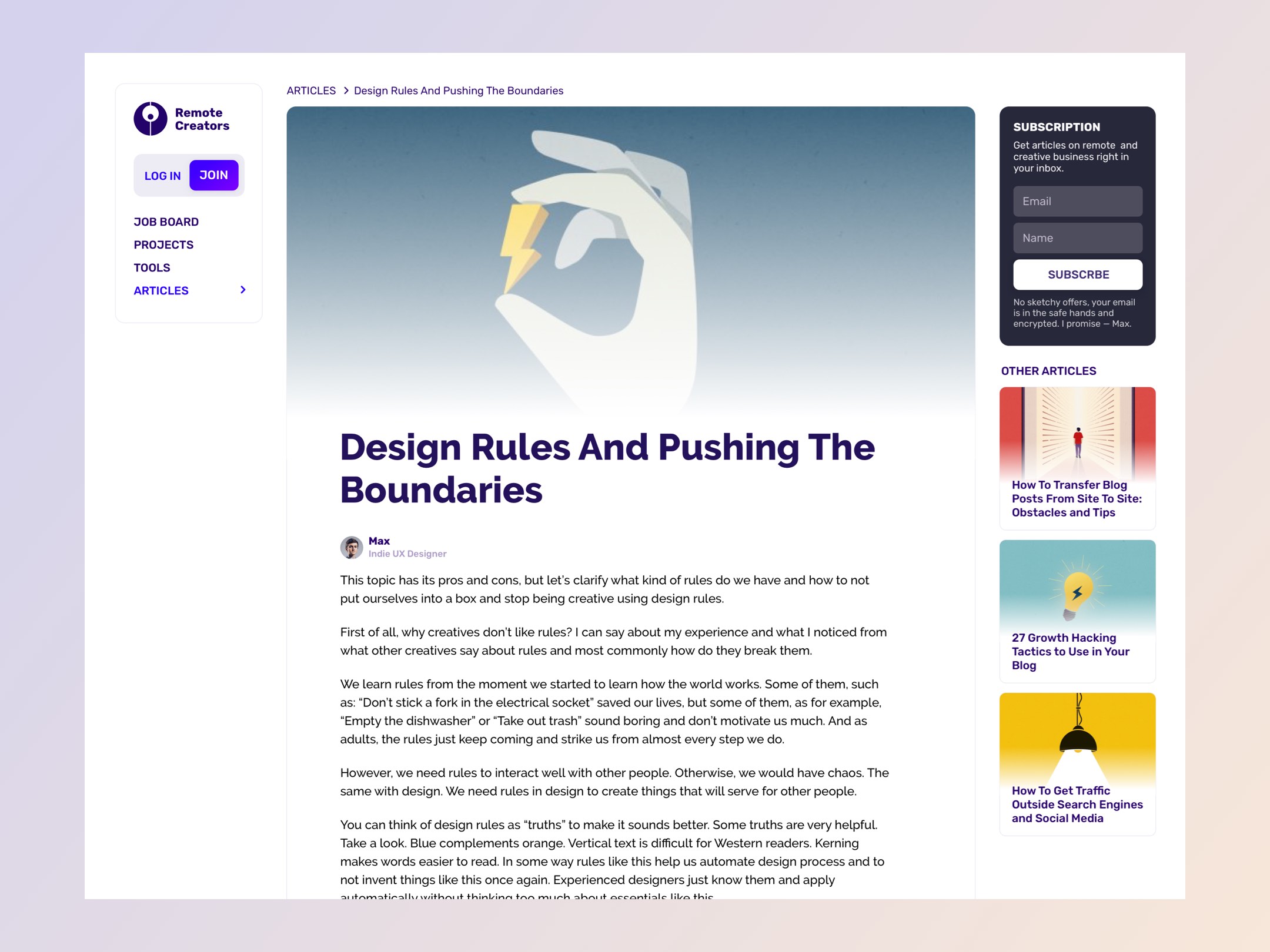
Article Page Design
The article page centers the reading experience with a clean, uninterrupted content column focused on readability. A right sidebar provides optional, non-intrusive extras—such as a subscription box and recommended articles—allowing users to explore more without losing their place. Smooth scrolling, clear typography, and subtle section markers help maintain orientation and reading comfort.
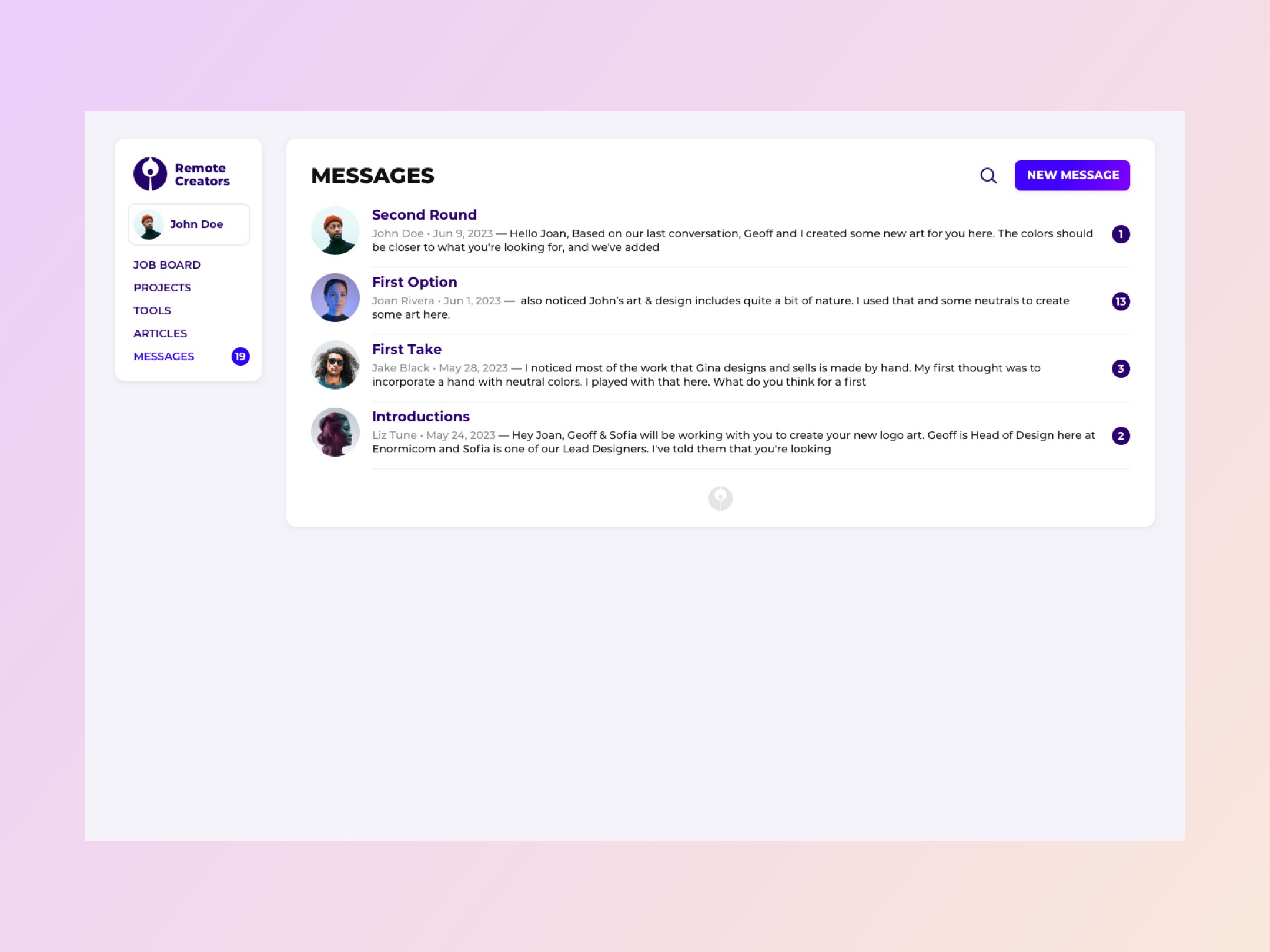
Messages UX
The messages screen presents a vertical list of chat threads for quick scanning, each showing the latest message and status. A prominent search icon allows fast filtering of conversations, while a “New Message” button offers an immediate way to start a fresh chat.
Seamless, responsive design for an engaging cross-platform community experience.
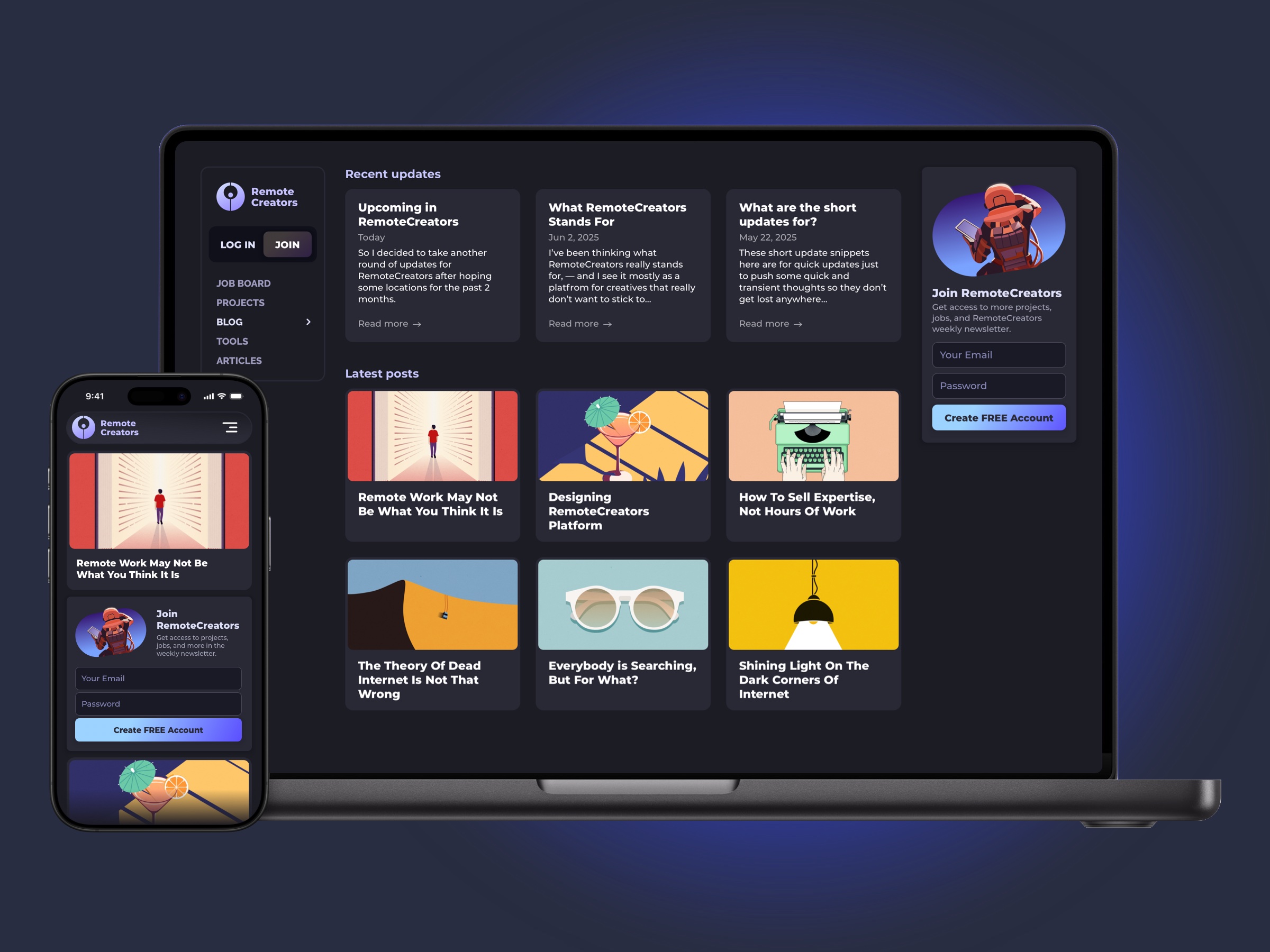
A high-fidelity dark mode design showcasing a cross-platform community platform for both desktop and mobile. The interface highlights recent updates in a card layout, latest posts, and clear CTAs, while a sidebar provides access to job board, projects, blog, tools, and more. The responsive design adapts effortlessly across devices, combining clean typography, bold visuals, and intuitive navigation to create an immersive, modern, and engaging community experience.